Enhanced Runway Lights in Microsoft Flight Simulator: screenshot 1 of 8Enhanced Runway Lights in Microsoft Flight Simulator: screenshot 2 of 8Enhanced Runway Lights in Microsoft Flight Simulator: screenshot 3 of 8Enhanced Runway Lights in Microsoft Flight Simulator: screenshot 4 of 8Enhanced Runway Lights in Microsoft Flight Simulator: screenshot 5 of 8Enhanced Runway Lights in Microsoft Flight Simulator: screenshot 6 of 8Enhanced Runway Lights in Microsoft Flight Simulator: screenshot 7 of 8Enhanced Runway Lights in Microsoft Flight Simulator: screenshot 8 of 8
01 / 08

Enhanced Runway Lights

Runway and taxiway lighting for an immersive night flight.

Type
Environment
Platform
PCXbox
Simulator
MSFS 2020MSFS 2024

Overview

Enhanced Runway Lights is a must-have enhancement for runway and taxiway lighting, creating an immersive and visually stunning nighttime flying experience.

This package enhances all default airports’ runway lights, including those featured in Deluxe and Premium Deluxe editions. Furthermore, it extends its enhancements to cover any freeware or payware third-party airports that utilize the default lighting system.

May the light be with you!

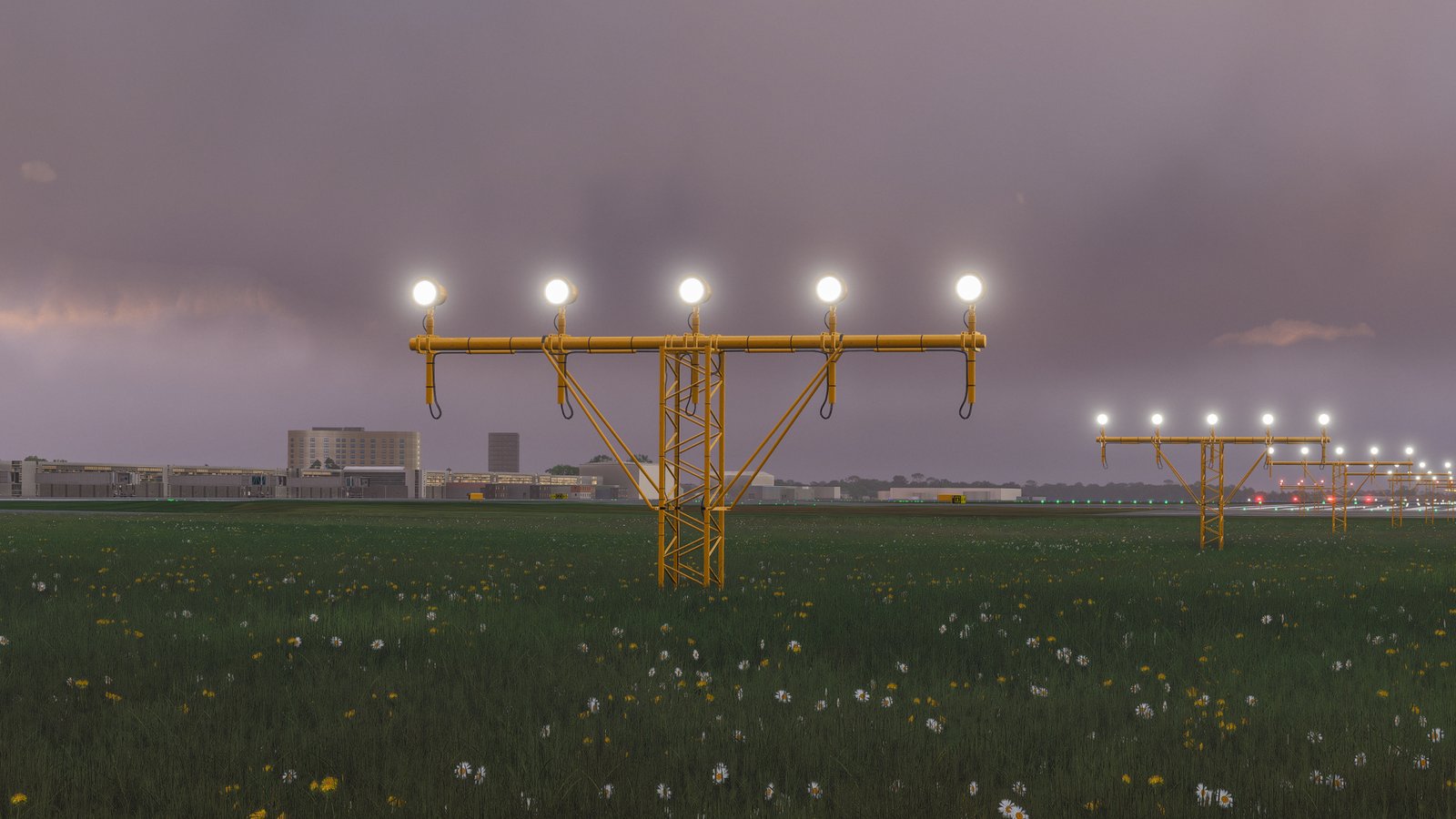
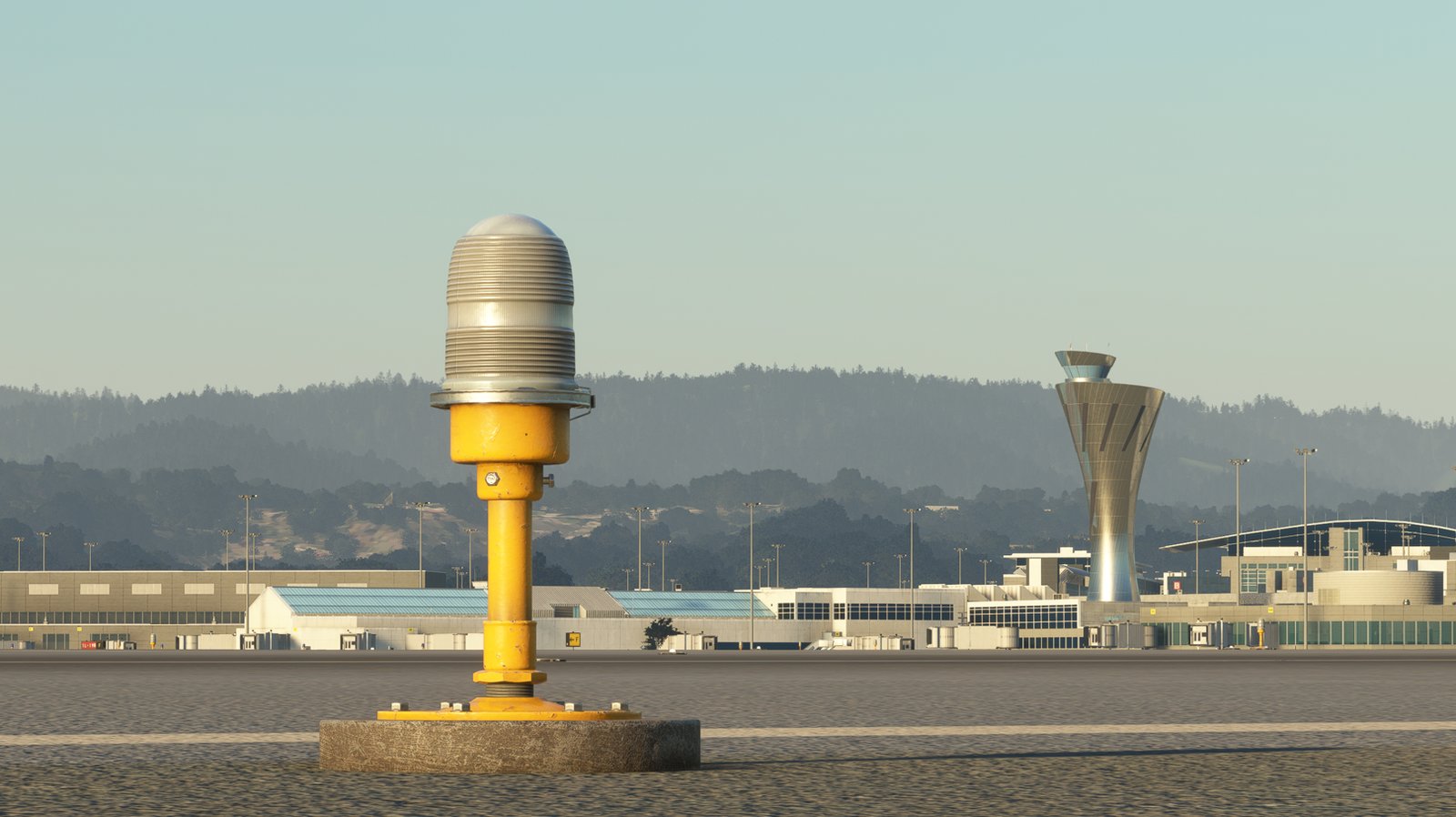
Enhanced Runway Lights: New 3D models, up close

Up close

New 3D models, up close

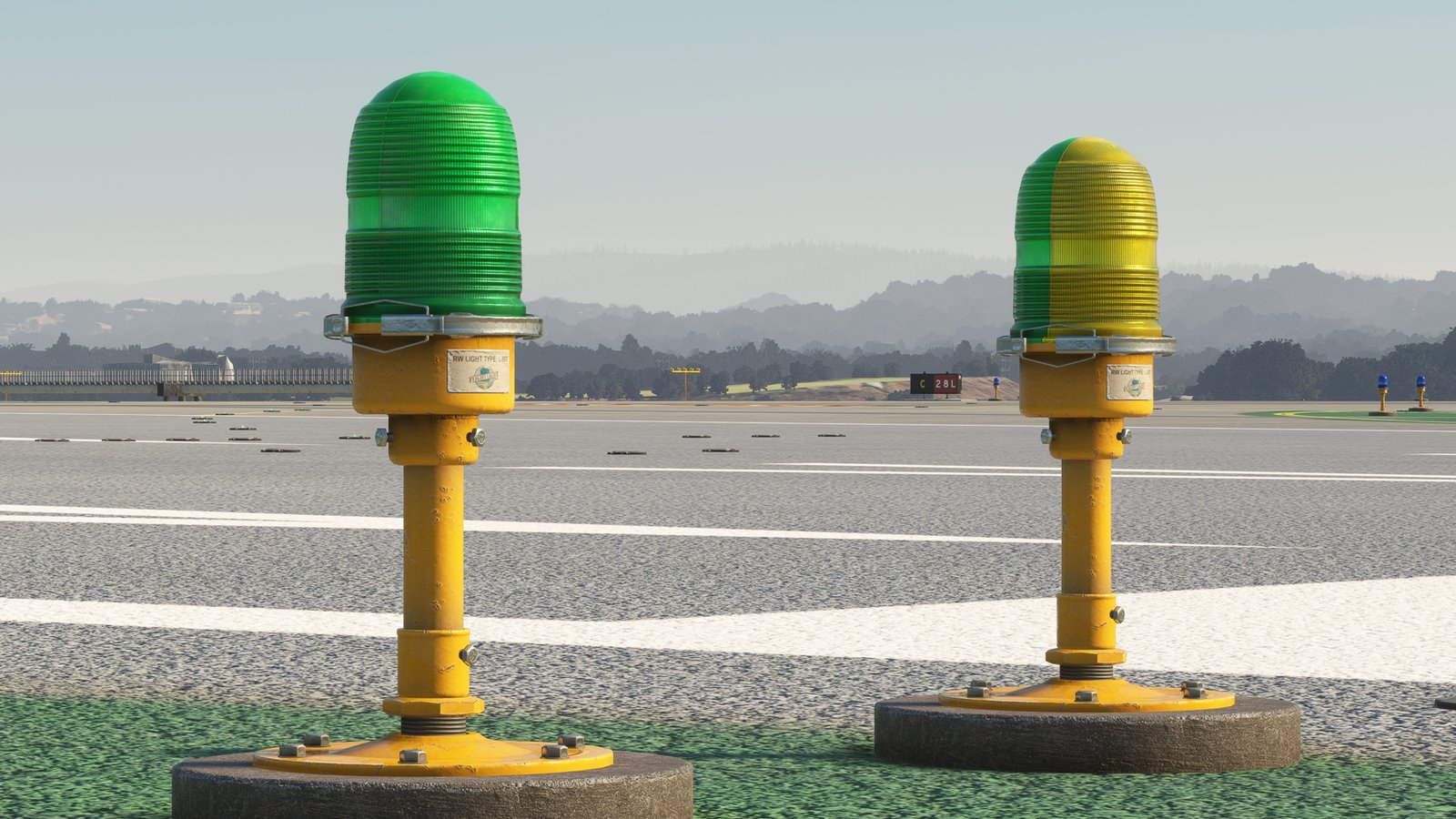
New 3D models for the runway, taxiway and approach lights: yellow frangible stems and ribbed glass lenses, like those of a real airfield.
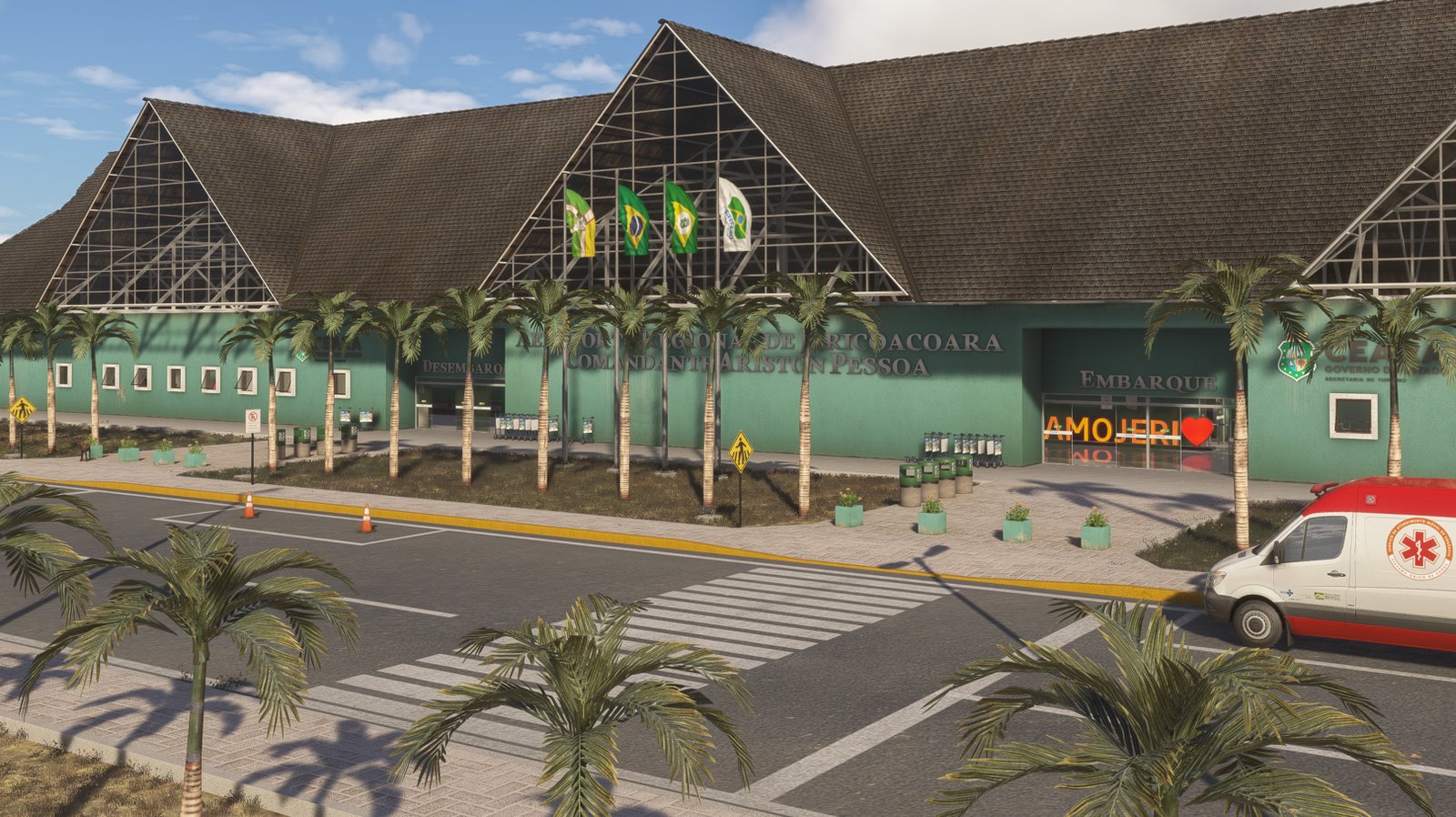
Enhanced Runway Lights: Every default airport, lit better

Default airports

Every default airport, lit better

The runway lights of all default airports are enhanced, including those featured in the Deluxe and Premium Deluxe editions.

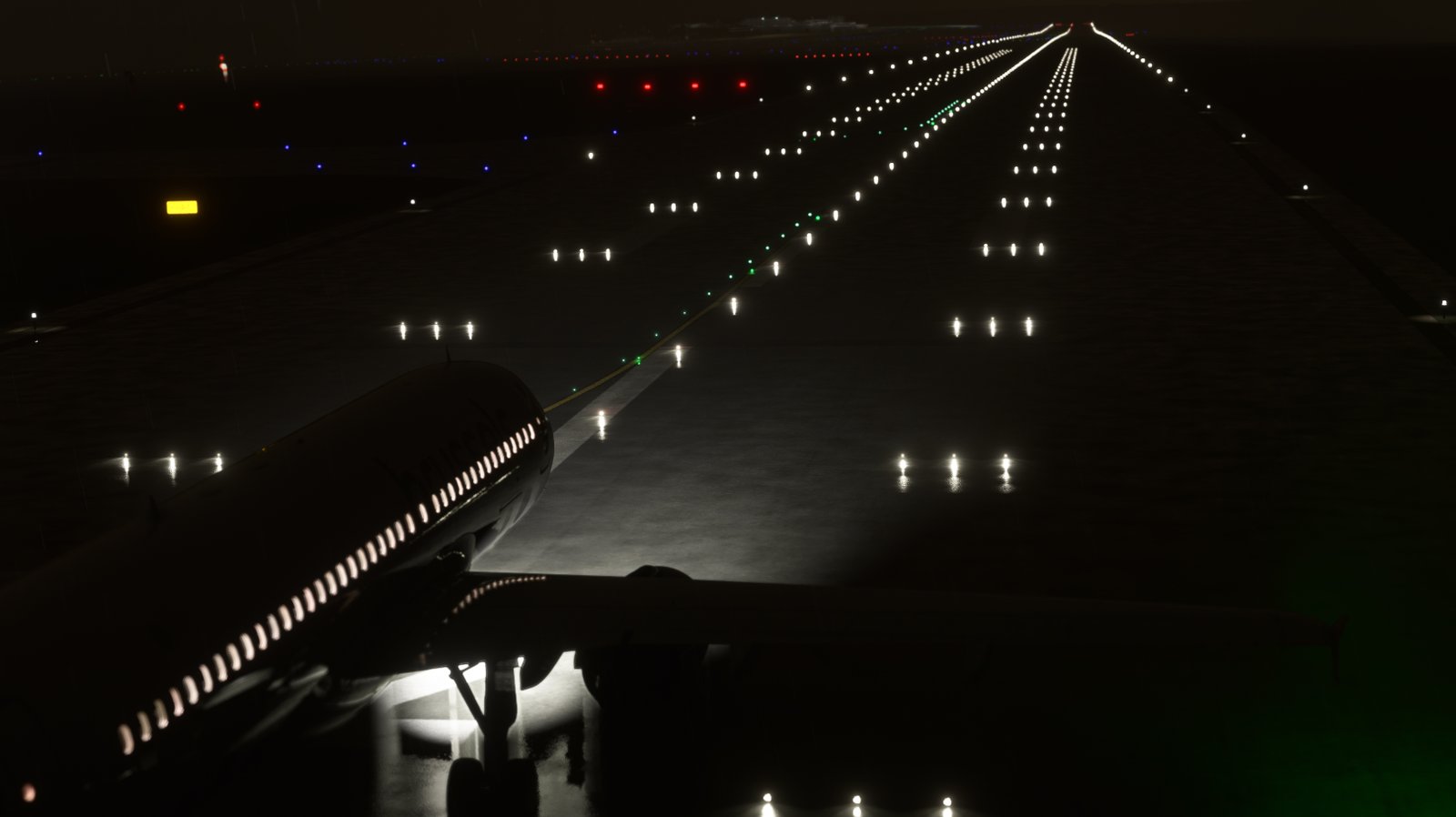
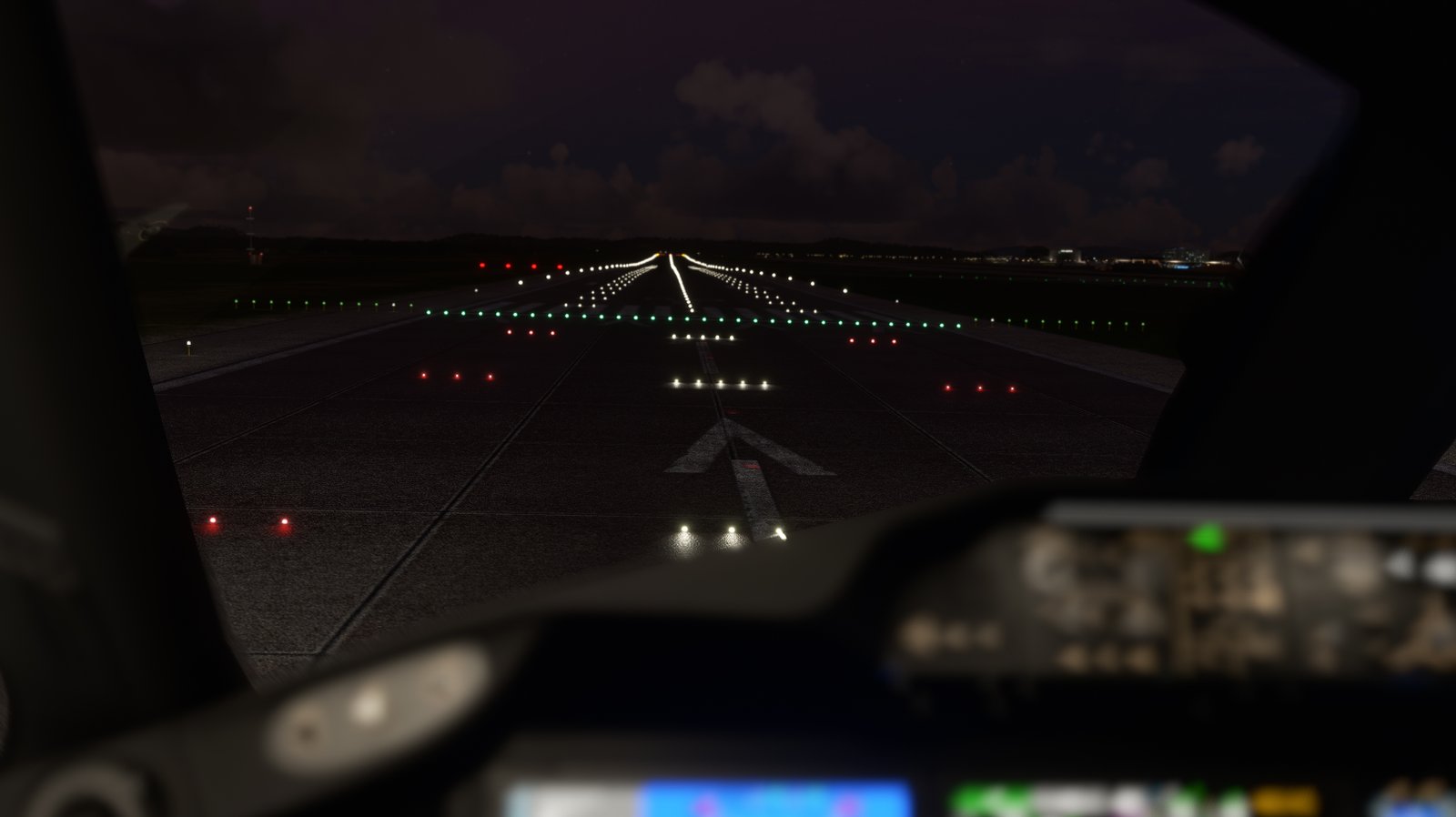
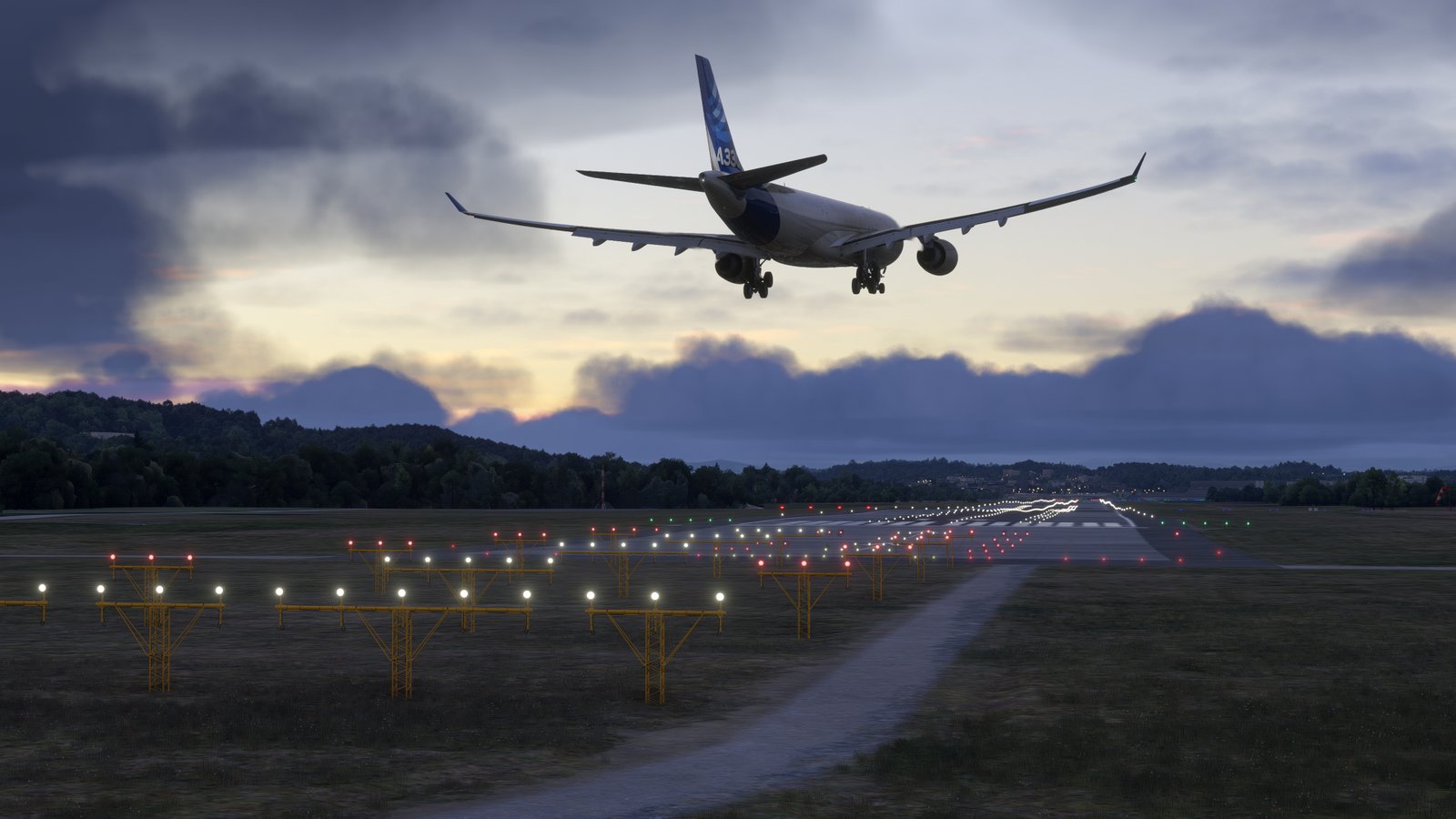
Enhanced Runway Lights: Lights that bring you in

Approach

Lights that bring you in

From the approach light bars to the runway, the lighting carries you down at dusk and at night: an immersive and visually stunning nighttime flying experience.

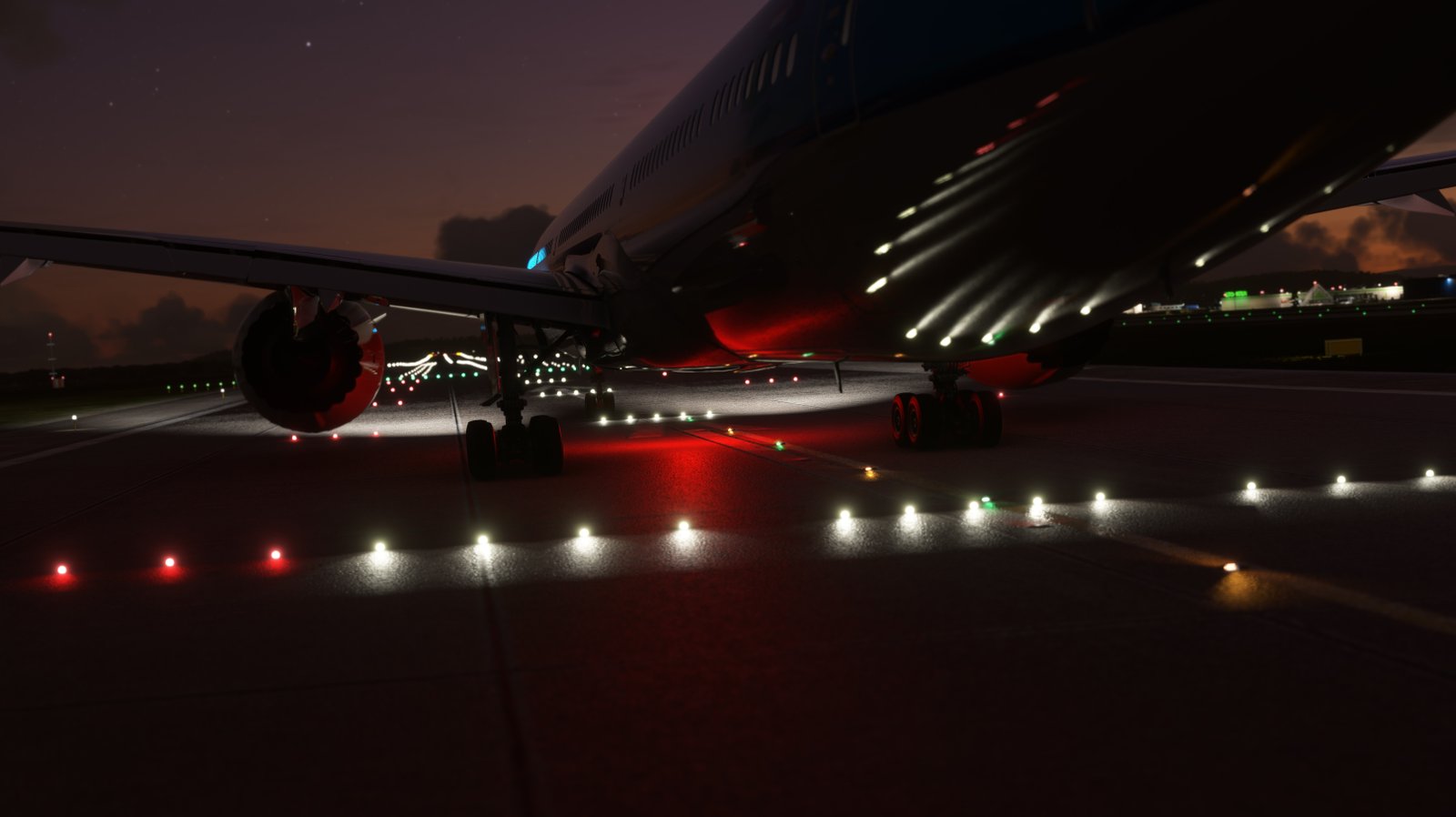
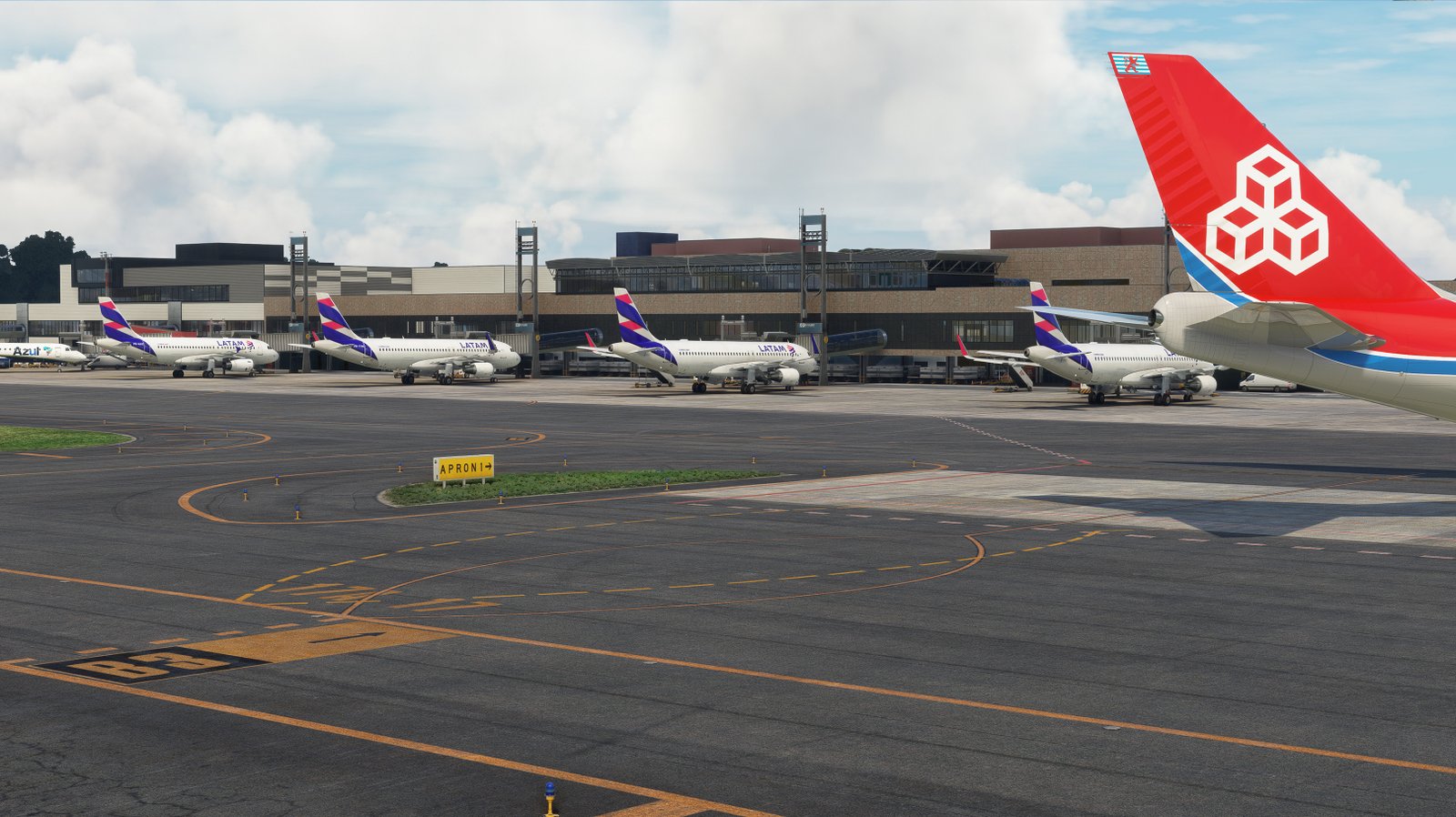
Enhanced Runway Lights: Taxiway lighting too

Taxiways

Taxiway lighting too

Taxiway lighting is enhanced as well: red, green and white lights glow on the pavement and on the aircraft as you taxi.

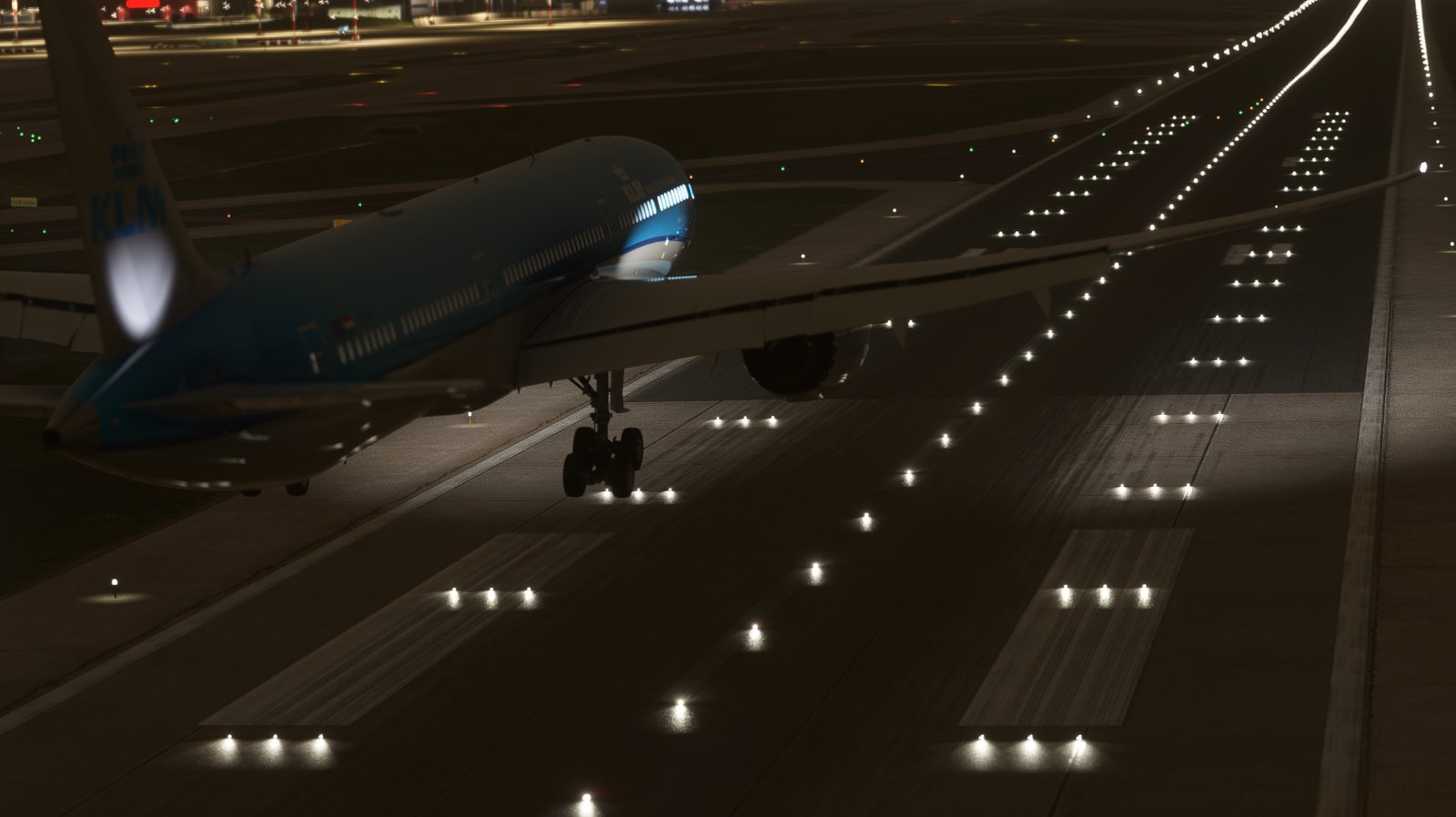
Enhanced Runway Lights: Down to the centerline

Touchdown

Down to the centerline

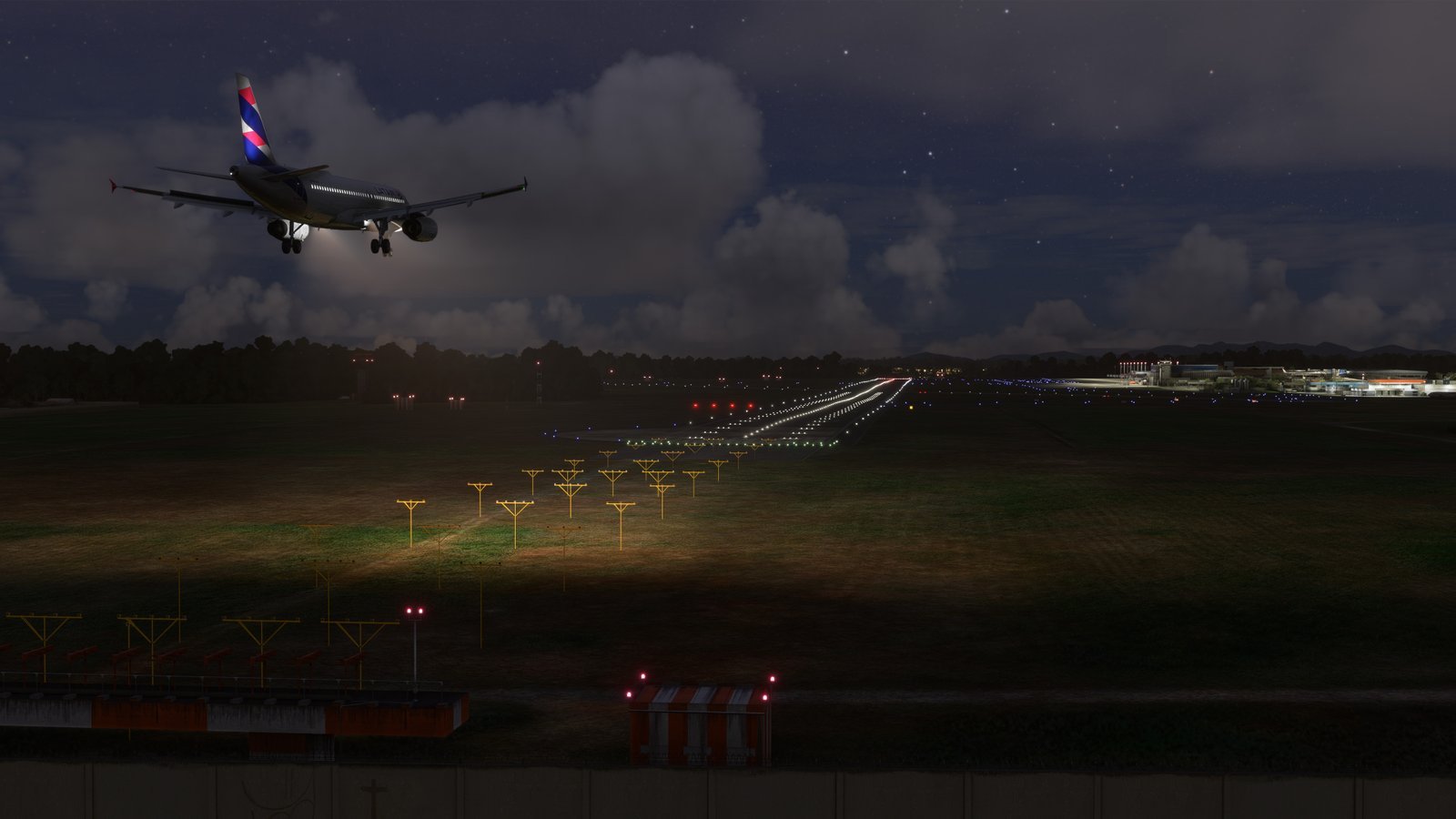
Edge, centerline and touchdown zone lights line the runway from the threshold to the far end.

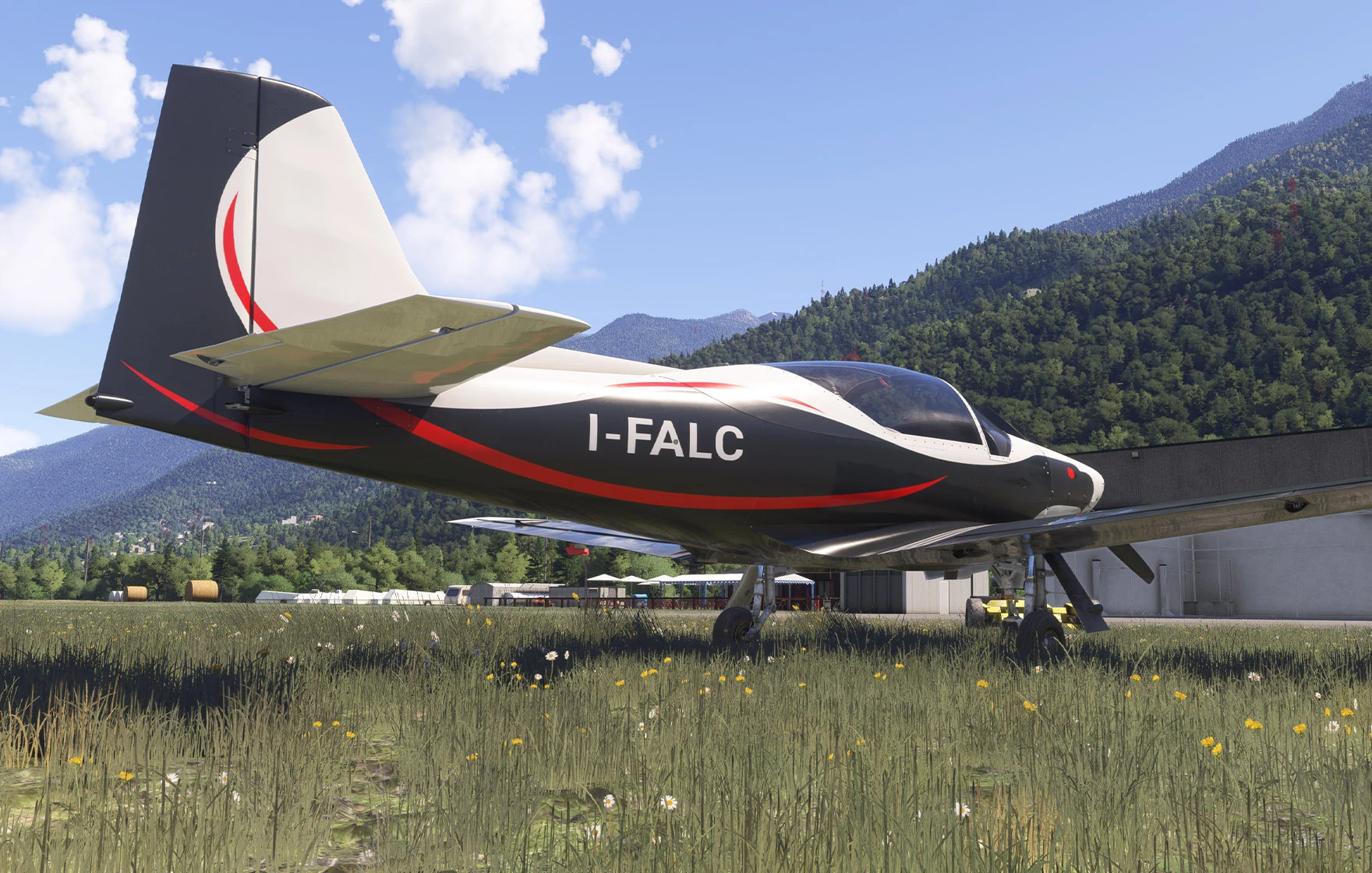
Enhanced Runway Lights: Works with third-party sceneries

Add-on airports

Works with third-party sceneries

Freeware or payware third-party airports that use the default lighting system are enhanced too.

Key features

  1. 01New 3D models for runway, taxiway and approach lights
  2. 02Improved LODs
  3. 03Lightweight: fewer textures than the default models
  4. 04Enhances the runway lights of every default airport, including the Deluxe and Premium Deluxe editions
  5. 05Works with freeware and payware third-party airports that use the default lighting system

Specifications

Type
Environment
Product version
MSFS 2020Nativev1.0.6MSFS 2024Nativev2.0.6
Minimum simulator version
MSFS 2020 1.39.9 · MSFS 2024 1.8.16
Release
October 12, 2023
Last update
September 14, 2026
Platform
PCXbox
MSFS 2024 release
September 22, 2025
Installation size
64.90 MB (MSFS 2024)
Tags
AirportLightsRealisticVFXEffects
Which simulators is it for?
Microsoft Flight Simulator 2020 (current version 1.0.6) and Microsoft Flight Simulator 2024 (current version 2.0.6).
Which sim version do I need?
MSFS 2020 1.39.9 or later and MSFS 2024 1.8.16 or later.
Does this add-on enhance third-party airports?
Yes, if the third-party developer uses the default airport light system, this package can enhance the lighting at that airport.
Why don’t some airports have lighting?
Some airports were not designed with lighting. Enhanced Runway Lights improves existing lighting but does not add lighting to airports that do not have it.
Do I need to restart the simulator?
Yes. Please remember to restart your simulator to ensure the proper functioning of all effects libraries.

Need help with this product? We’re here for you.

Support
Other products

View all

Buy on MSFS Marketplace

Find it in the simulator

Enhanced Runway Lights is on the Marketplace inside Microsoft Flight Simulator.

  1. 01

    Open the Marketplace

    Start Microsoft Flight Simulator 2024 and select Marketplace on the main menu.

  2. 02

    Search

    Type the product name:

    ENHANCED RUNWAY LIGHTS

    Or search for FLYT Simulations to see all our products:

    FLYT Simulations

  3. 03

    Buy and install

    Buy it. Your purchases are in My Library, where you install them.

Questions? Contact us →