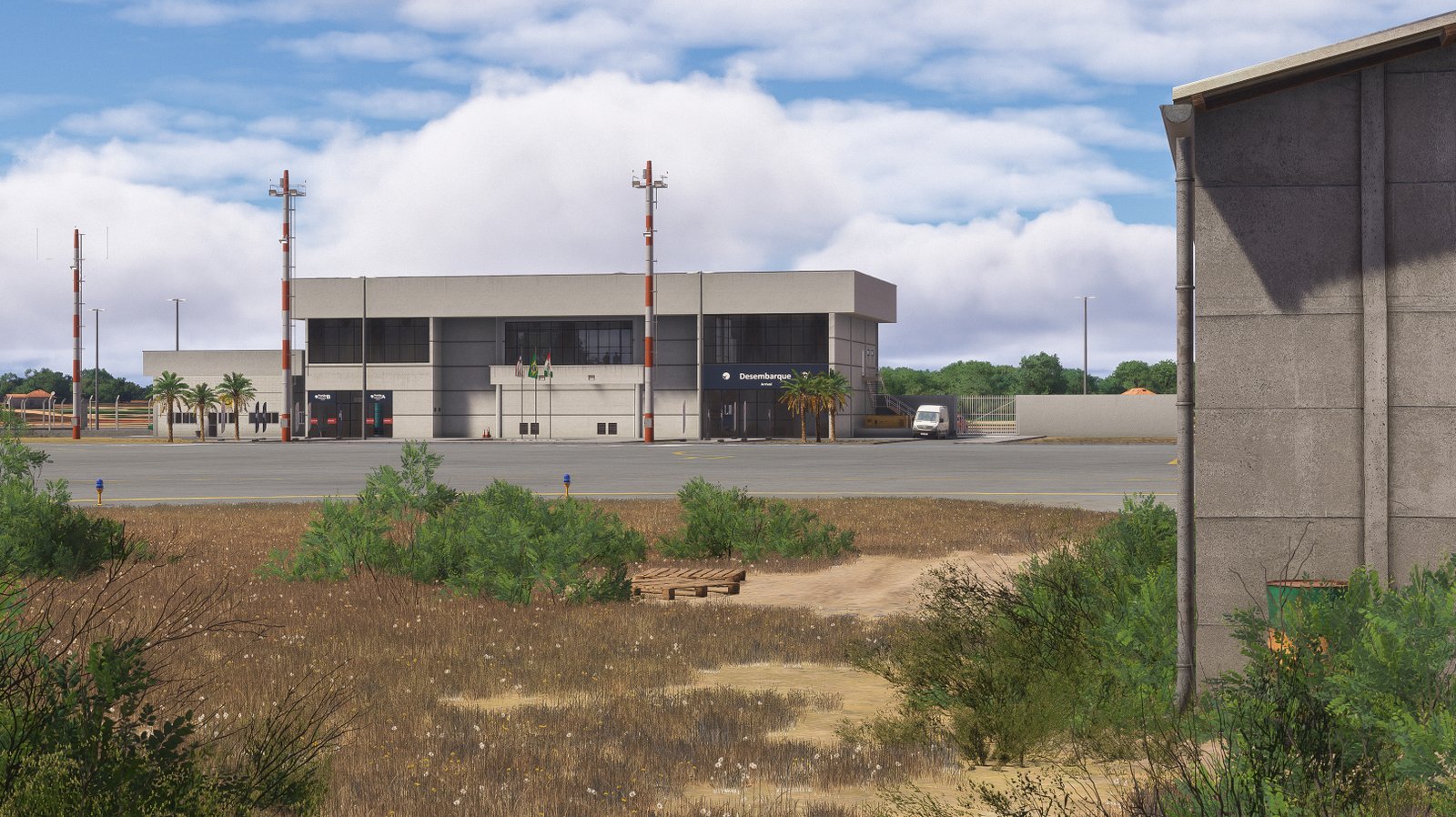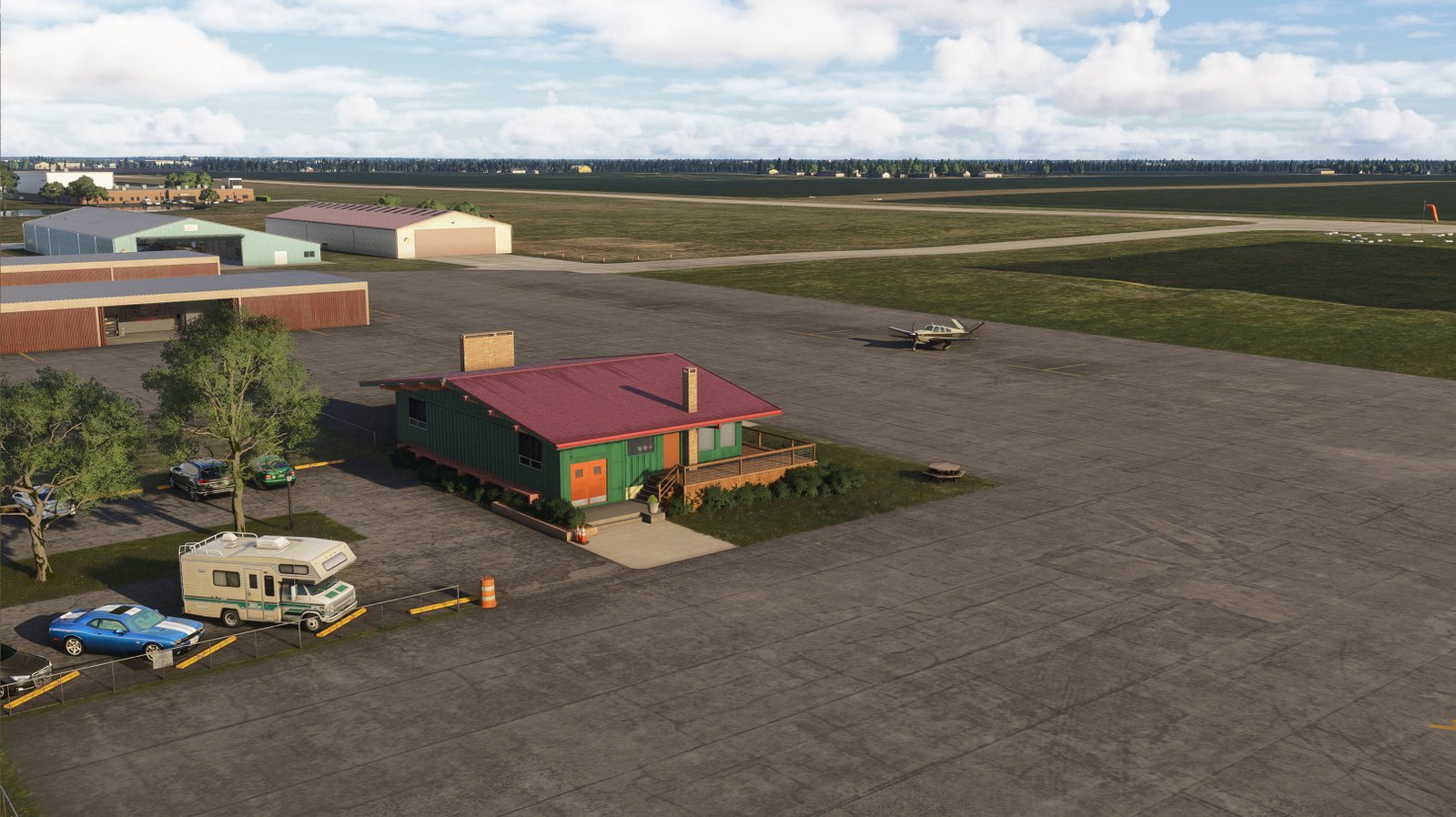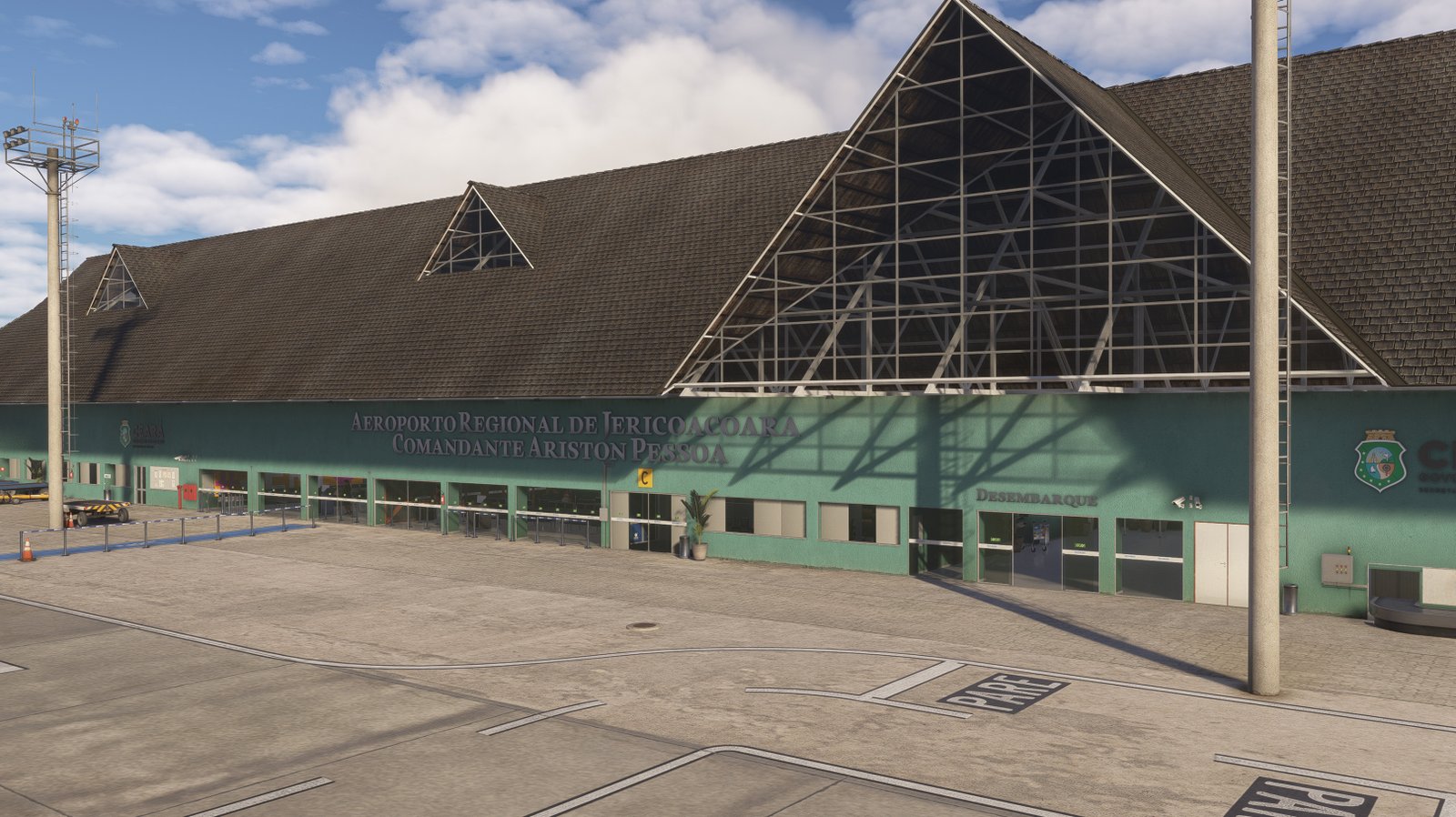
SBJE Jericoacoara Airport in Microsoft Flight Simulator: screenshot 1 of 10SBJE Jericoacoara Airport in Microsoft Flight Simulator: screenshot 2 of 10SBJE Jericoacoara Airport in Microsoft Flight Simulator: screenshot 3 of 10SBJE Jericoacoara Airport in Microsoft Flight Simulator: screenshot 4 of 10SBJE Jericoacoara Airport in Microsoft Flight Simulator: screenshot 5 of 10SBJE Jericoacoara Airport in Microsoft Flight Simulator: screenshot 6 of 10SBJE Jericoacoara Airport in Microsoft Flight Simulator: screenshot 7 of 10SBJE Jericoacoara Airport in Microsoft Flight Simulator: screenshot 8 of 10SBJE Jericoacoara Airport in Microsoft Flight Simulator: screenshot 9 of 10SBJE Jericoacoara Airport in Microsoft Flight Simulator: screenshot 10 of 10
01 / 10

SBJE

Jericoacoara Airport

The gateway to the Route of Emotions, on the coast of Ceará.

Location
Jericoacoara, Ceará, Brazil
Type
Airport
Platform
PCXbox
Simulator
MSFS 2020MSFS 2024

Overview

Located in the natural paradise of northeastern Brazil, Jericoacoara Regional Airport is the gateway to one of the jewels of the Ceará coastline.

The airport infrastructure provides a range of essential facilities for passengers, including check-in counters, separate areas for arrival and departure, convenience stores, and car rental facilities. Moreover, it is capable of accommodating a variety of aircraft, from small planes to executive jets and scheduled airline flights.

The Jericoacoara Regional Airport serves as the entry point to the “Route of Emotions”, renowned for showcasing some of the most spectacular landscapes in the region, including paradisiacal beaches, imposing dunes, crystal-clear lagoons, and environmental preservation areas.

SBJE Jericoacoara Airport: A highly accurate recreation

The airport

A highly accurate recreation

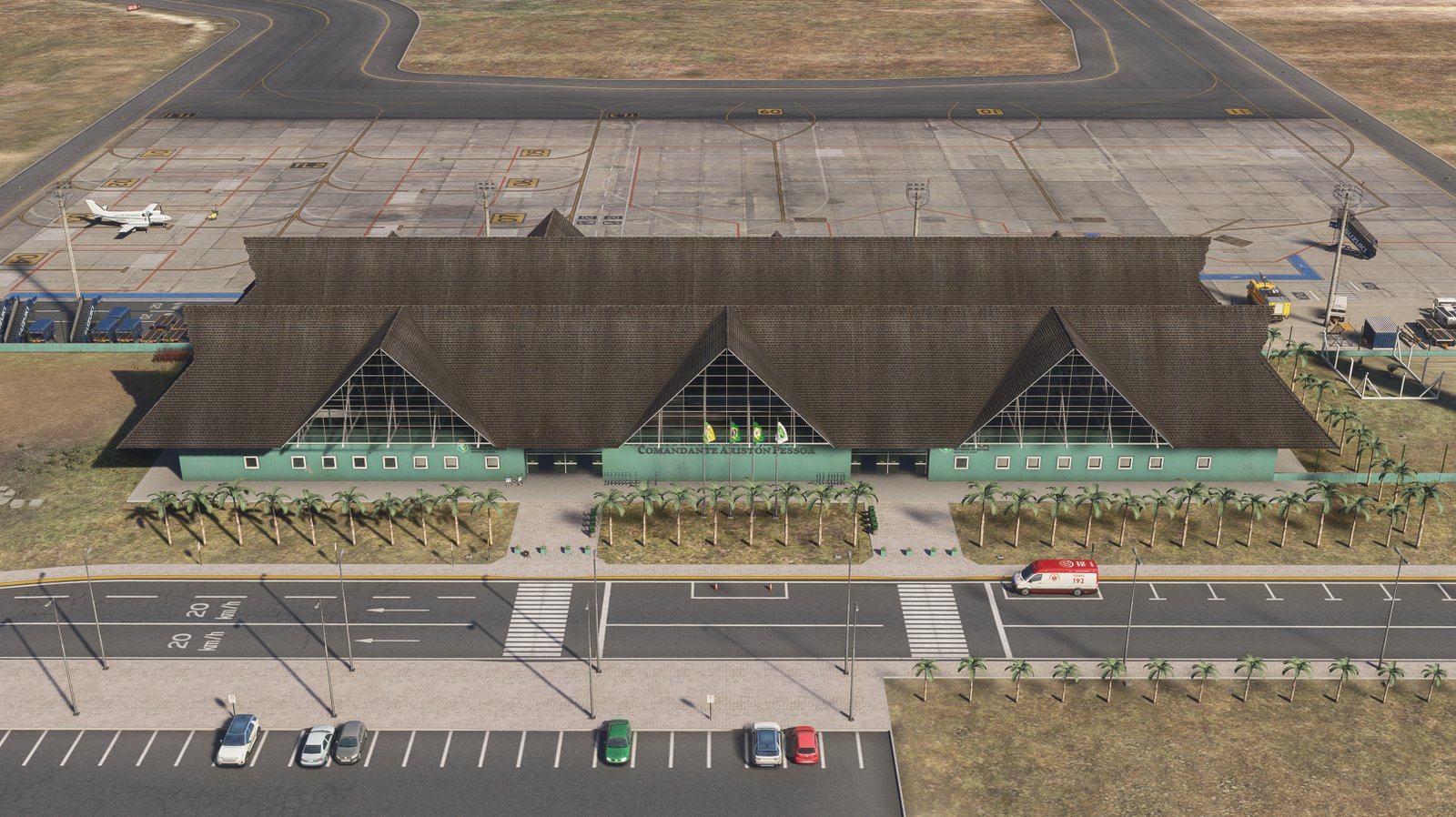
A highly accurate recreation of Jericoacoara Regional Airport, the gateway to one of the jewels of the Ceará coastline.
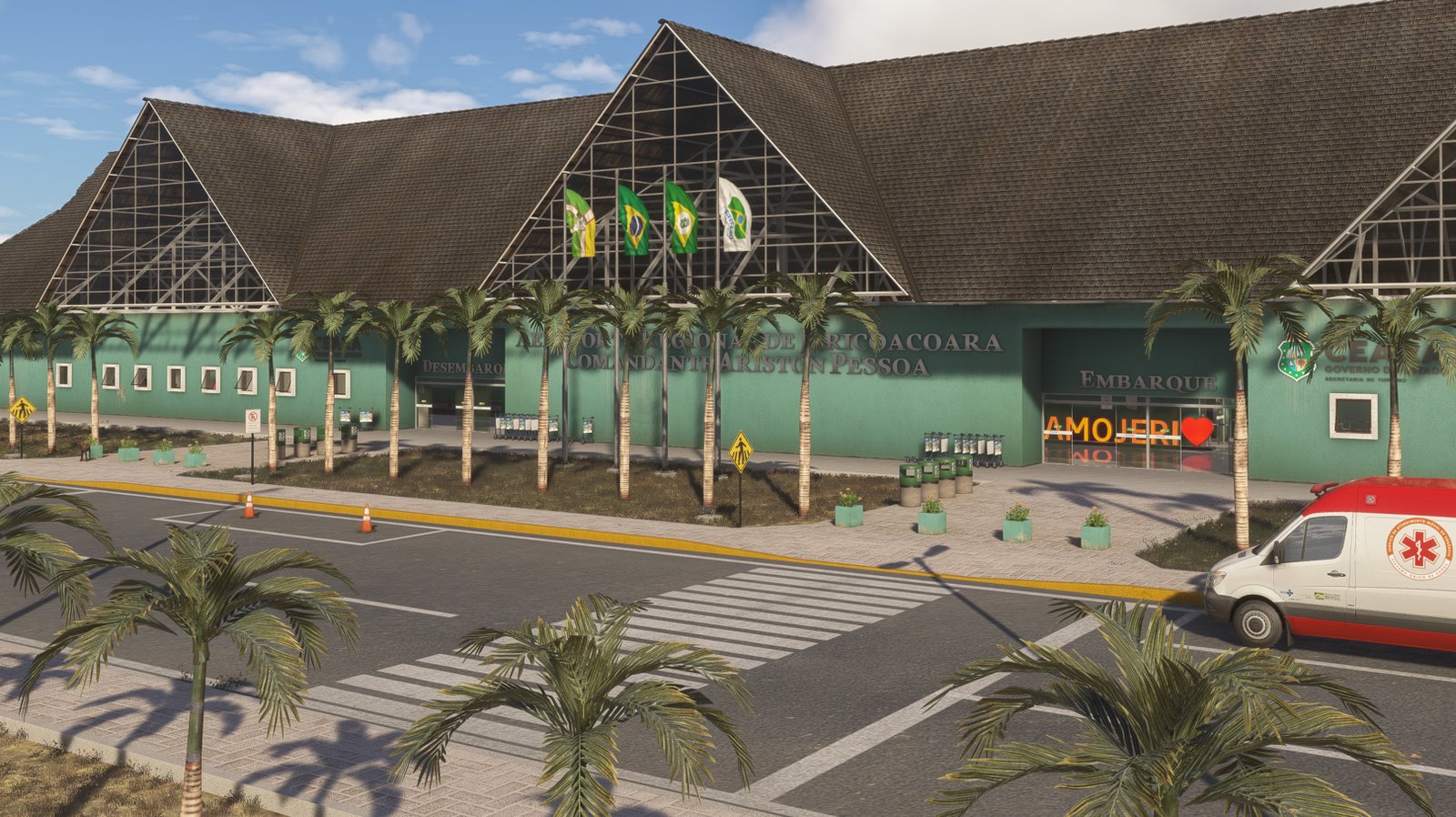
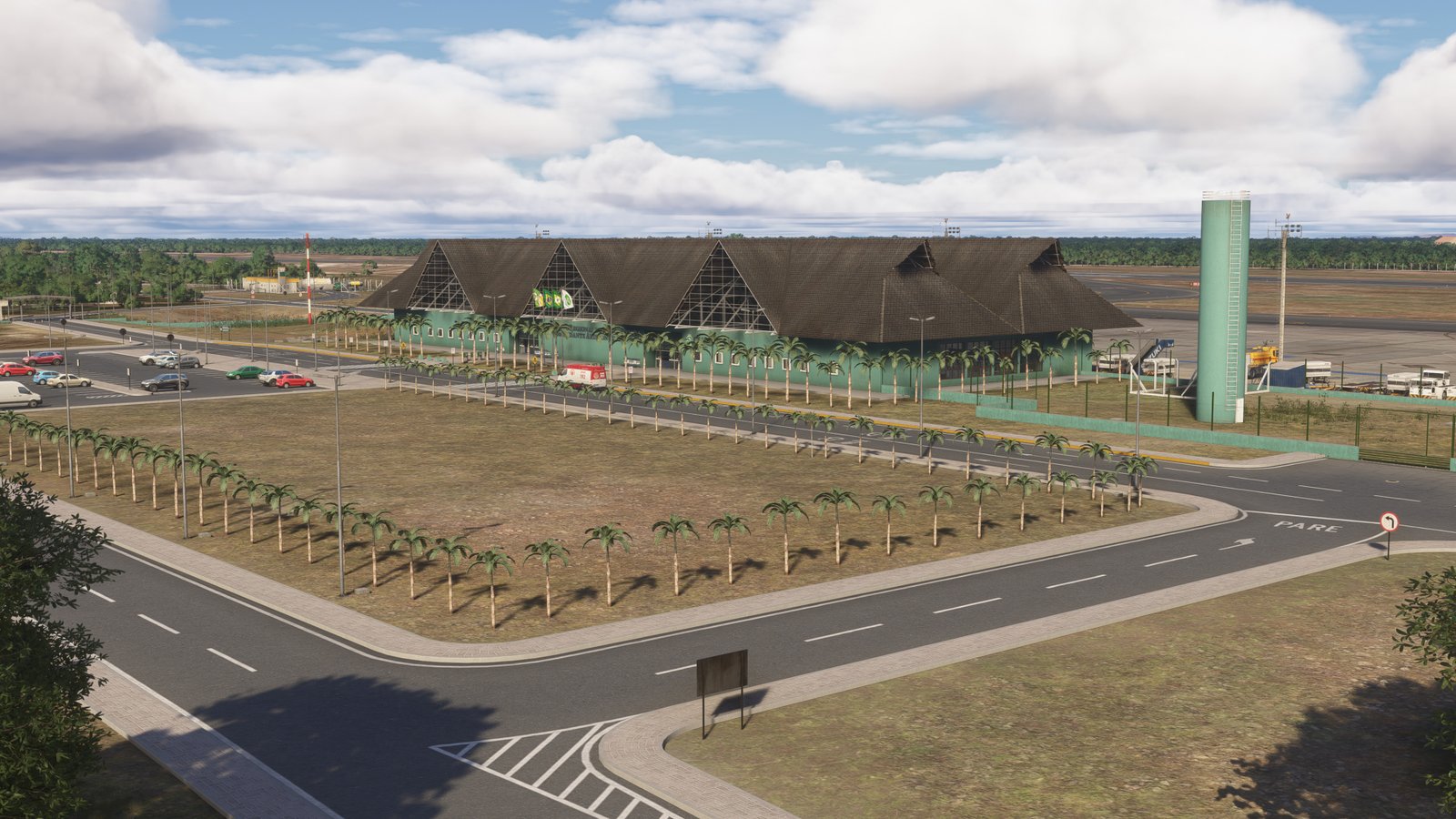
SBJE Jericoacoara Airport: From check-in to departure

Terminal

From check-in to departure

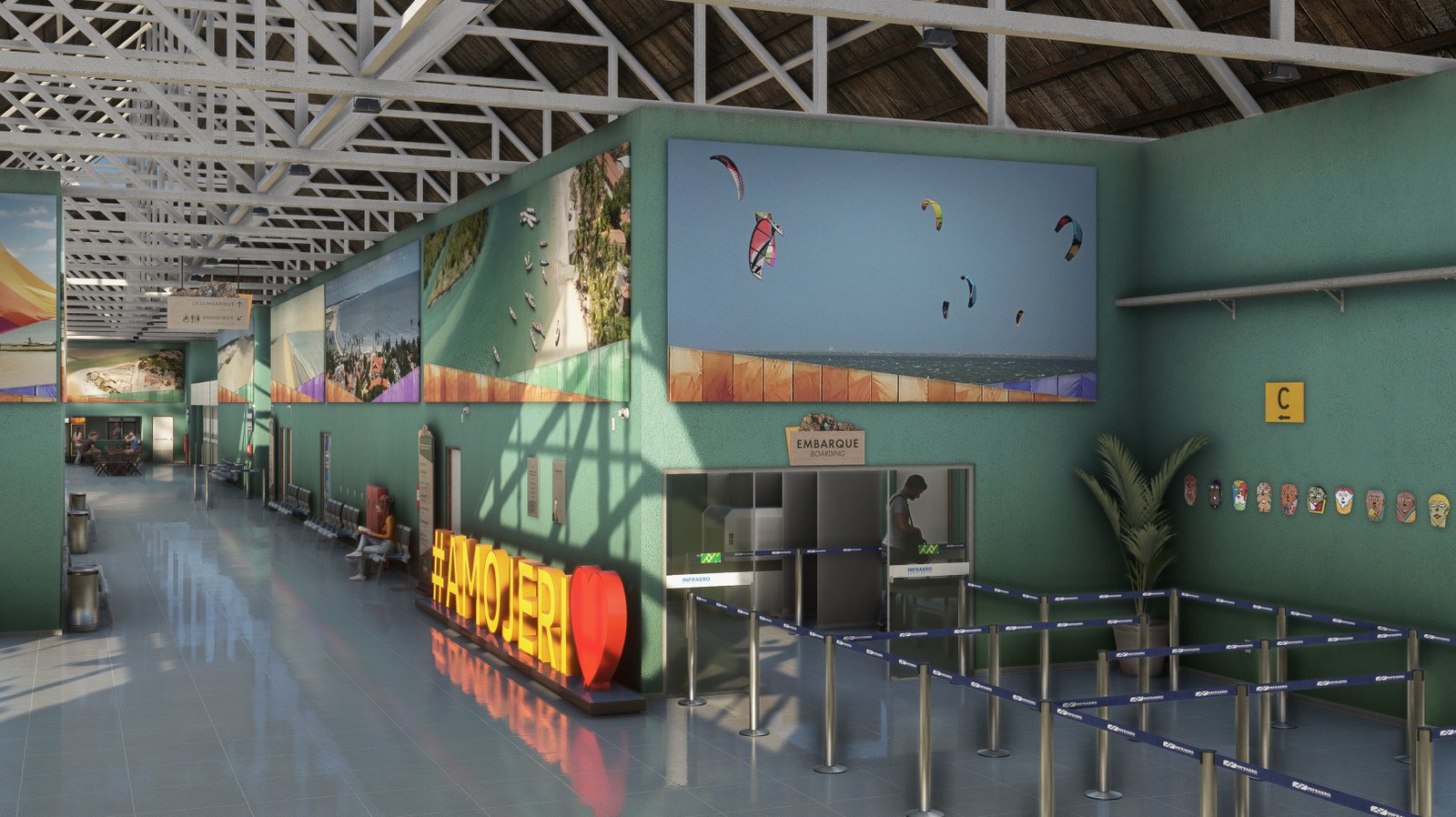
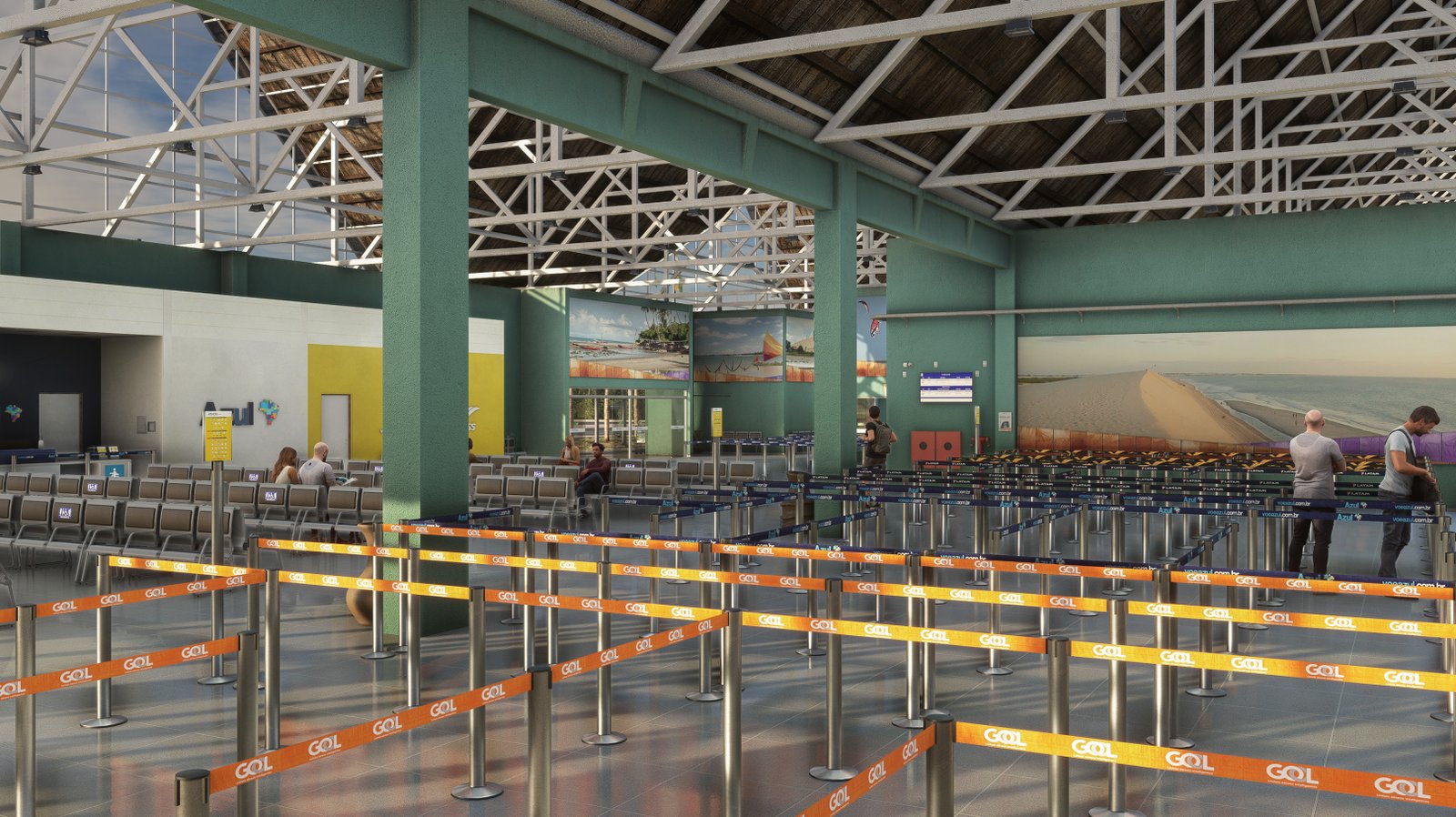
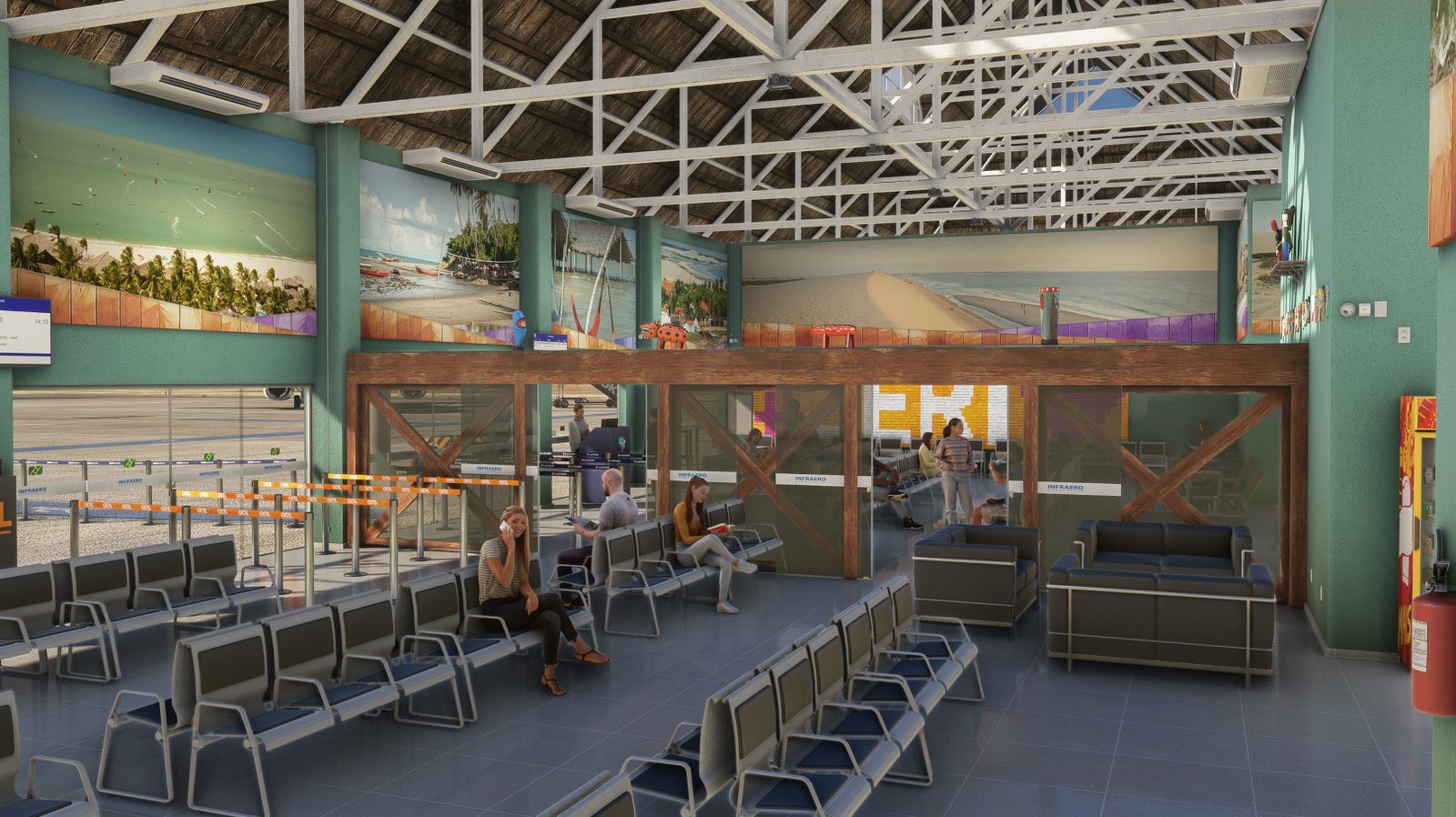
Check-in counters and separate areas for arrival and departure.

SBJE Jericoacoara Airport: Custom GSE vehicles

Ground equipment

Custom GSE vehicles

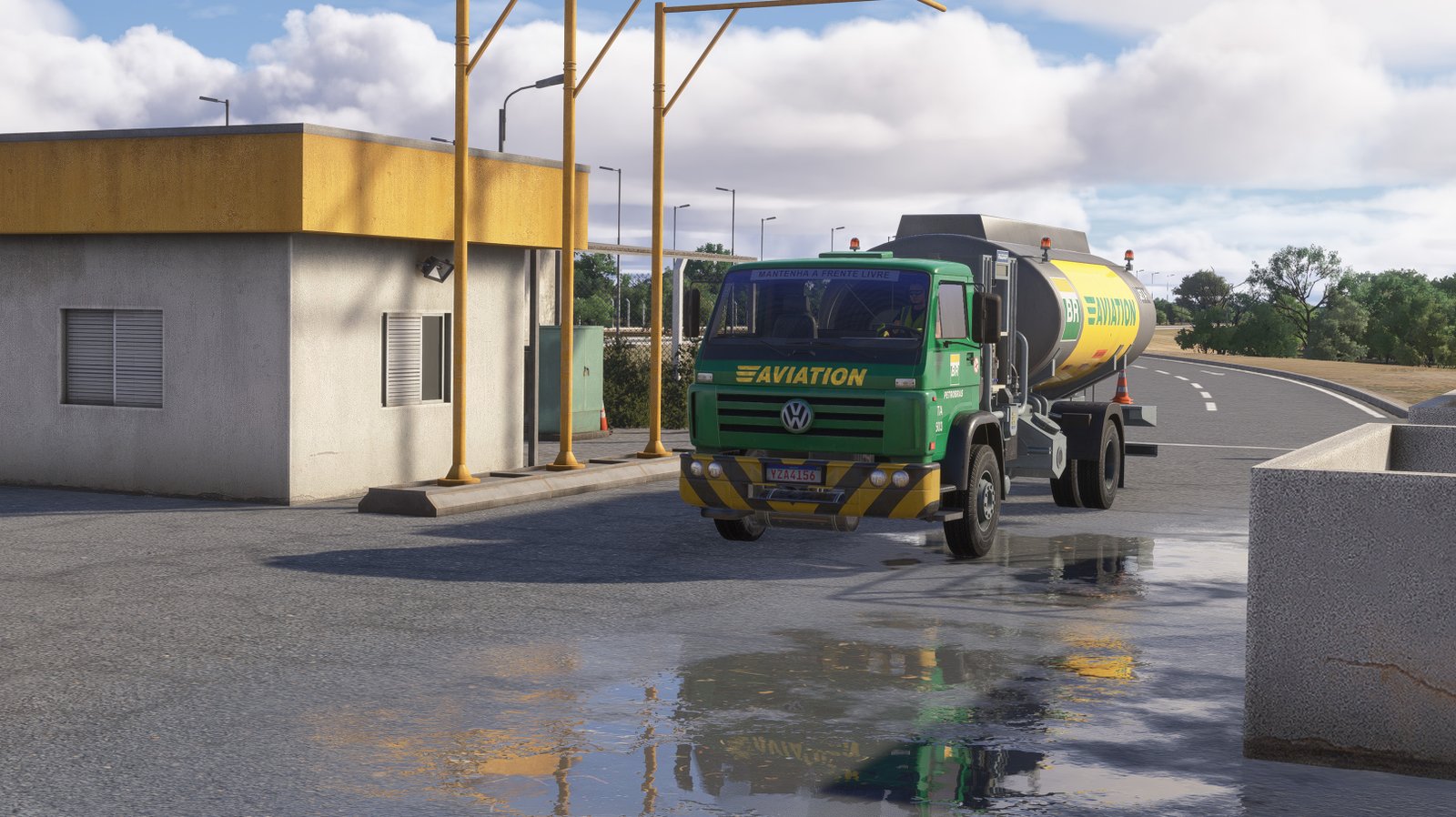
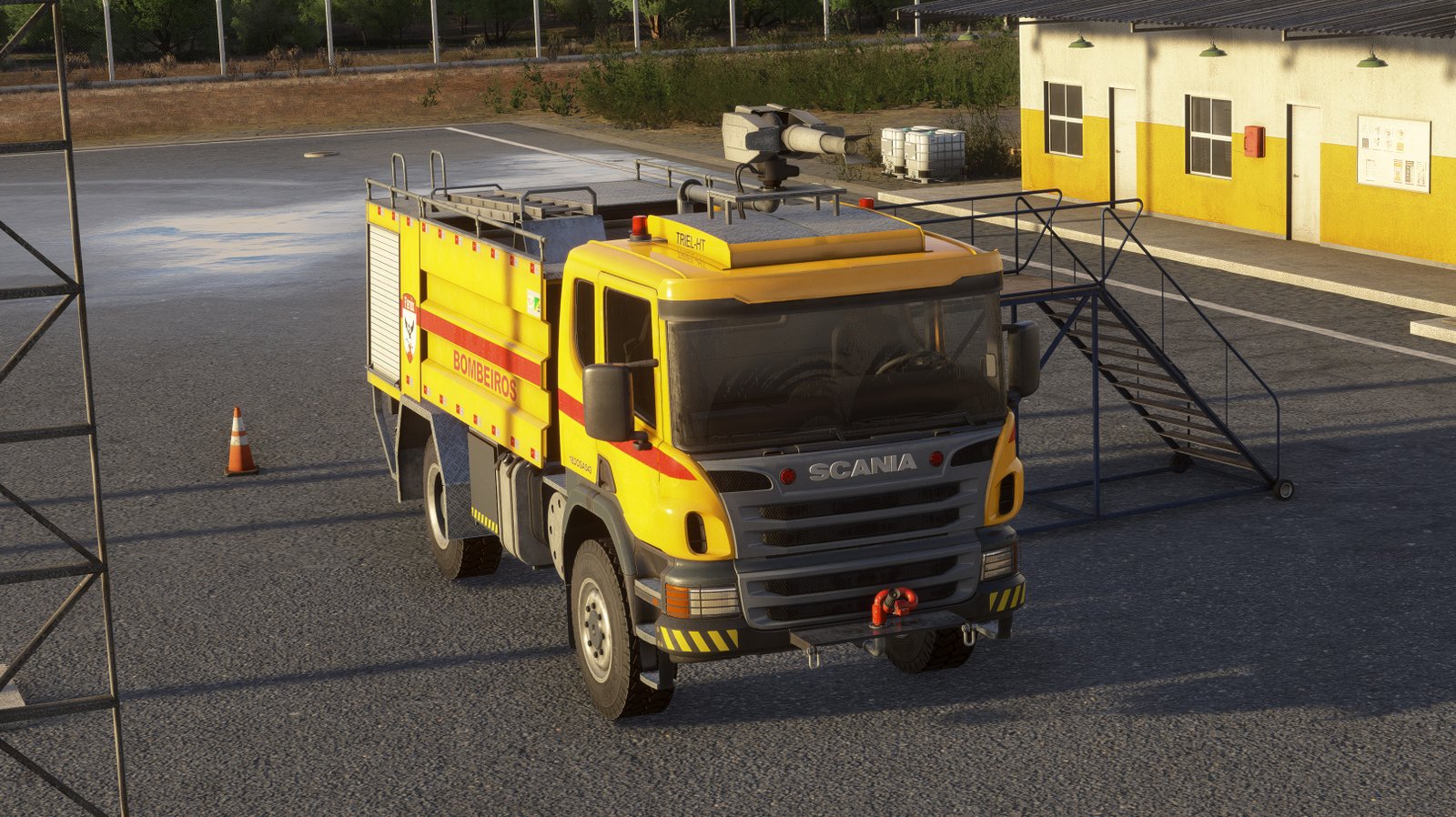
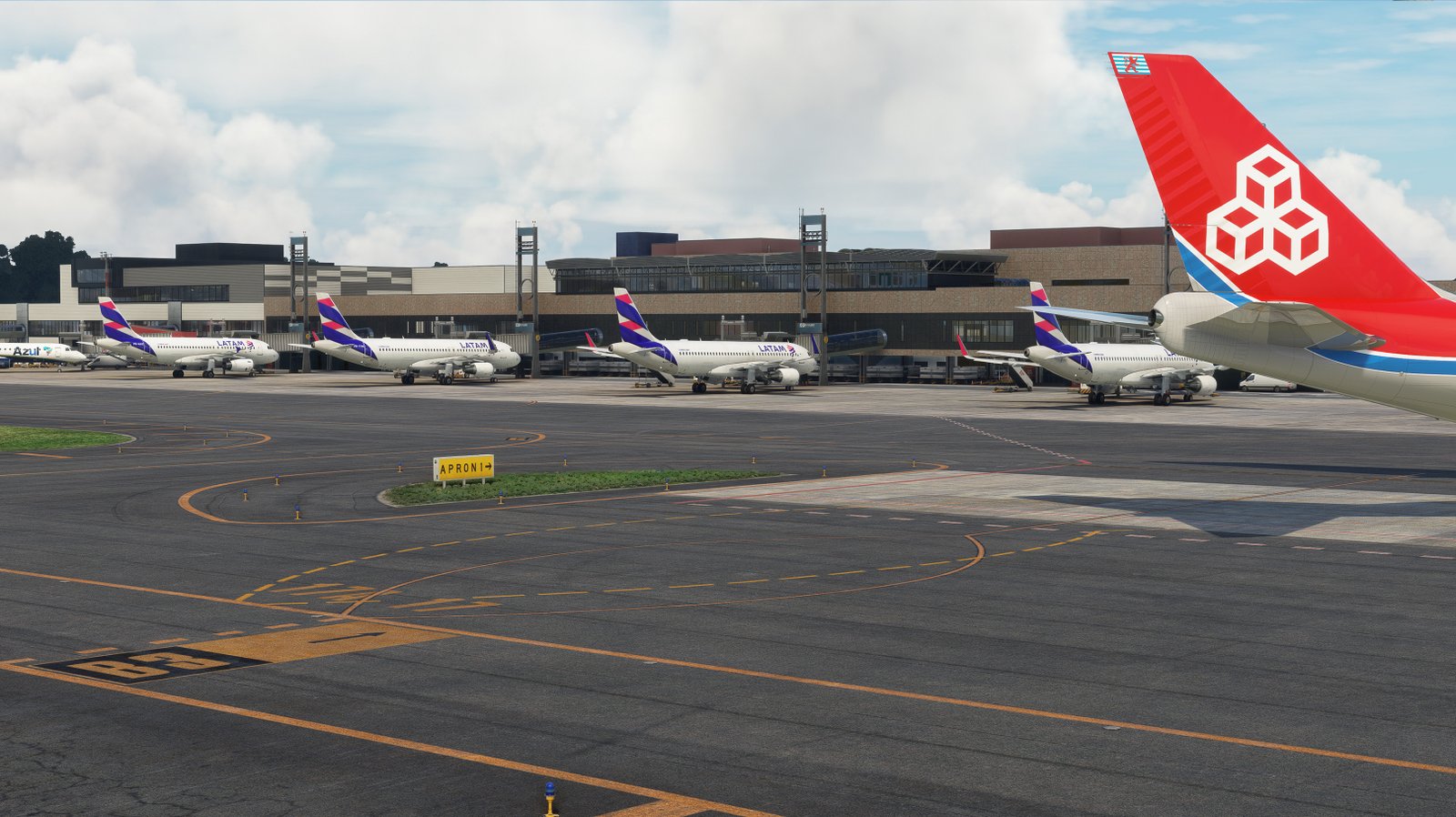
Custom GSE vehicles for an apron that handles everything from small planes to executive jets and scheduled airline flights.

SBJE Jericoacoara Airport: Photorealistic, down to the markings

Textures

Photorealistic, down to the markings

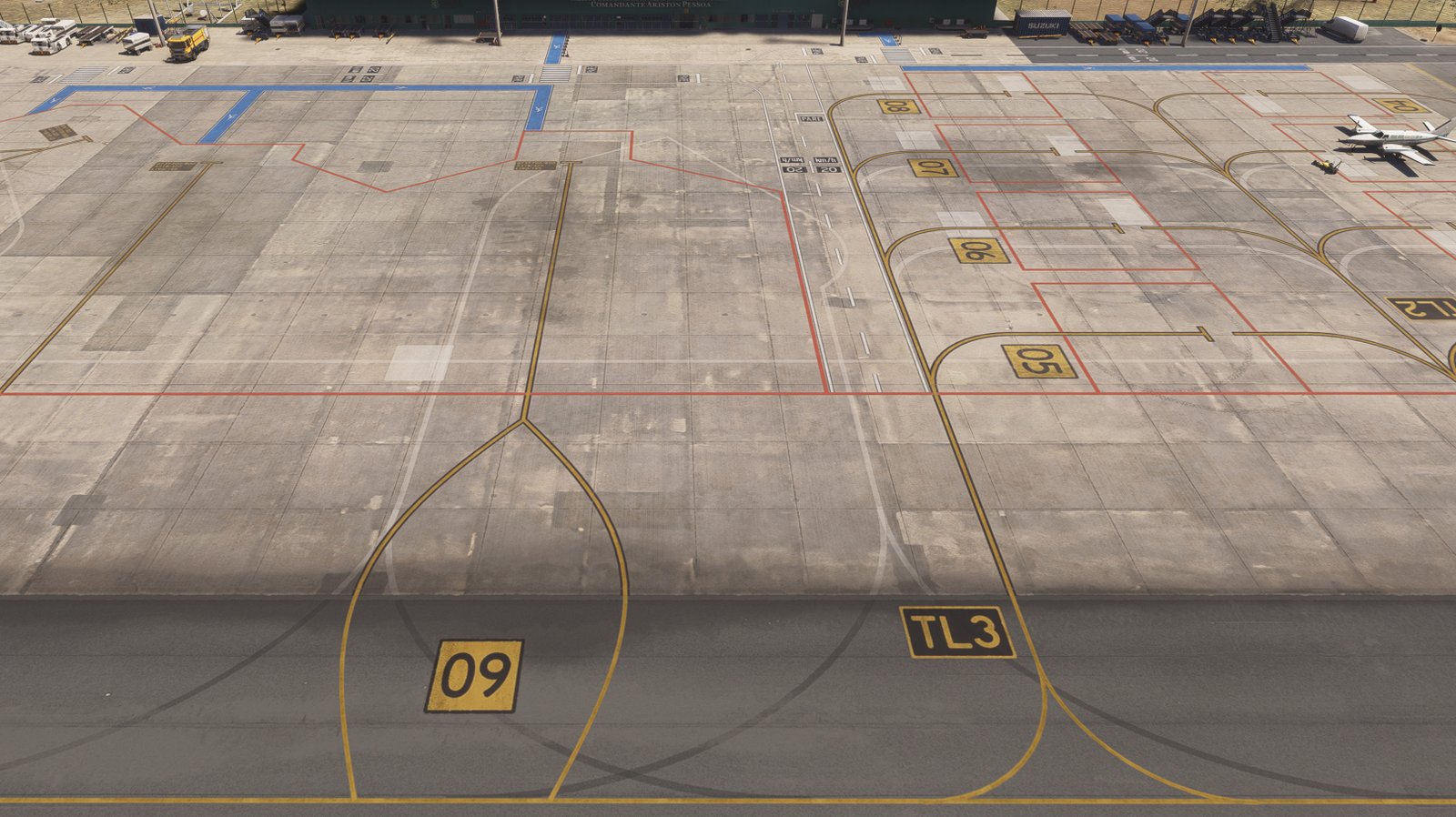
Highly detailed, photorealistic textures, down to the apron markings.

SBJE Jericoacoara Airport: Vegetation, windsocks and clutter

Around the field

Vegetation, windsocks and clutter

Custom vegetation, windsocks and other environment clutter, on a custom aerial image covering the airport bounds.

SBJE Jericoacoara Airport: The gateway to the Route of Emotions

Route of Emotions

The gateway to the Route of Emotions

The entry point to the Route of Emotions: paradisiacal beaches, imposing dunes, crystal-clear lagoons and environmental preservation areas.

Key features

  1. 01Highly accurate recreation of Jericoacoara Airport
  2. 02Custom GSE vehicles
  3. 03Highly detailed, photorealistic textures
  4. 04Custom vegetation, windsocks and other environment clutter
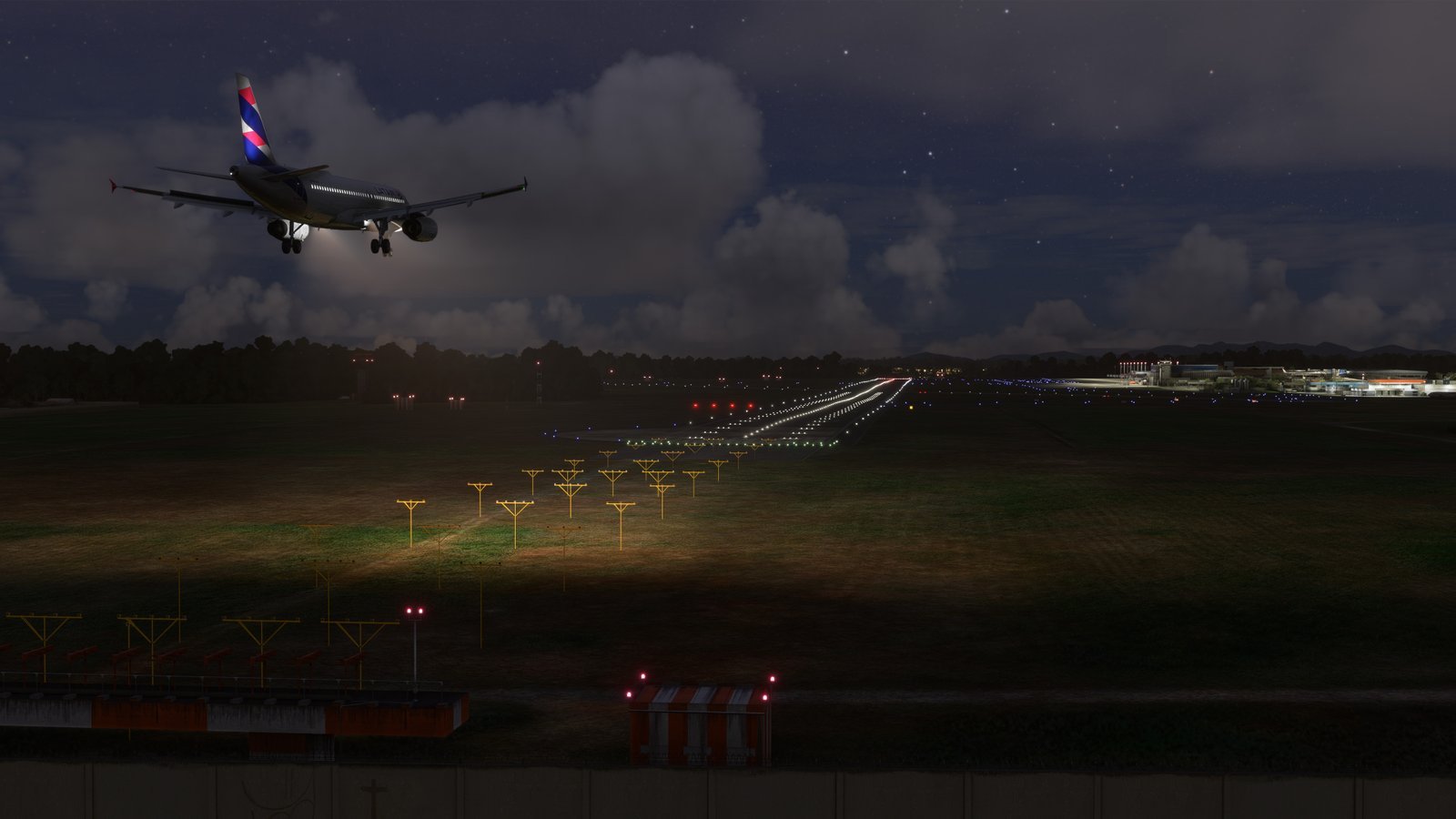
  5. 05Realistic night time dynamic lighting
  6. 06Custom aerial image covering the airport bounds

Specifications

ICAO
SBJE
Location
Jericoacoara, Ceará, Brazil
Type
Airport
Product version
MSFS 2020Nativev1.0.4MSFS 2024Nativev2.0.5
Minimum simulator version
MSFS 2020 1.39.9 · MSFS 2024 1.6.34
Release
May 24, 2024
Last update
January 15, 2026
Platform
PCXbox
MSFS 2024 release
December 1, 2025
Installation size
1.01 GB (MSFS 2024)
Tags
AirlinesRegionalBrazilSouth America
Which simulators is it for?
Microsoft Flight Simulator 2020 (current version 1.0.4) and Microsoft Flight Simulator 2024 (current version 2.0.5).
Which sim version do I need?
MSFS 2020 1.39.9 or later and MSFS 2024 1.6.34 or later.
What changed in the native MSFS 2024 version?
It was rebuilt for Microsoft Flight Simulator 2024, with lower VRAM usage, improved level-of-detail (LOD) optimization, new vegetation models and updated terrain (CGL) data.

Need help with this product? We’re here for you.

Support
Other products

View all

Buy on MSFS Marketplace

Find it in the simulator

Jericoacoara Airport is on the Marketplace inside Microsoft Flight Simulator.

  1. 01

    Open the Marketplace

    Start Microsoft Flight Simulator 2024 and select Marketplace on the main menu.

  2. 02

    Search

    Type the product name:

    SBJE JERICOACOARA AIRPORT

    Or search for FLYT Simulations to see all our products:

    FLYT Simulations

  3. 03

    Buy and install

    Buy it. Your purchases are in My Library, where you install them.

Questions? Contact us →